1. Wedding Trivia
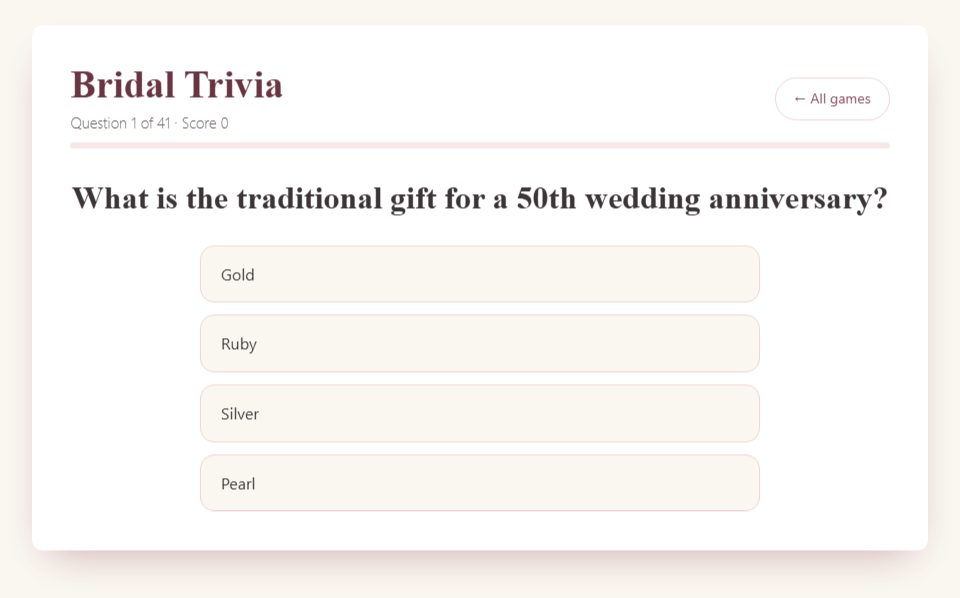
Share one game screen. Guests submit answers aloud or in chat before the host clicks. The game contains 41 questions; choose ten for a short hosted round and keep team points manually.

Bridal Shower Games › Virtual & Zoom
Choose a screen-shared quiz for an easy group round, or give guests their own Bingo cards. The host controls shared-screen games and keeps team scores separately. Your video-call service is separate from this website.
Choose a game
Share one game screen. Guests submit answers aloud or in chat before the host clicks. The game contains 41 questions; choose ten for a short hosted round and keep team points manually.
Show one emoji clue at a time. Ask everyone to send answers together after a short thinking pause so connection speed does not decide the winner.
Send the game link so each guest opens their own card. Agree the calling theme and winning pattern. Sharing only the host’s card does not give everyone a separate board.
Enter the bride’s real answers before the call. Keep the setup screen private, then share the reveal game for the round.
Record answers before the call and reveal them after the other partner guesses. Let the couple skip any topic.
The browser round uses sample answers. For real couple statements, prepare your own list and run a spoken vote without claiming the sample key belongs to your couple.
Guests can play their own browser round, or the host can show words and collect answers. Agree your round length beforehand; devices do not share a leaderboard.
Ask willing guests or the couple for two true statements and one invented one. Use the host tool to reveal the answer after the group votes.
Suggested 45-minute plan: five minutes for greetings, ten for a quiz, ten for Bingo or emoji puzzles, fifteen for gifts and conversation, and five for a toast. Adjust for the group; the website does not run the video call.
For a full hosting checklist, use the virtual bridal shower game guide. Planning for colleagues? See workplace-friendly virtual shower games.
Prefer paper? The $24 Bridal Shower Kit is one download: a 32-page game book with 25 games and answer keys, 60 Bingo cards, and five hosting sheets (Bingo call sheet, word search answer key, Know the Groom answer sheet, 2-hour run-of-show and score sheet). It also includes quick-print copies of book pages. See actual page previews and the full contents before buying.
No account is needed for these free games. Guests may need to join your chosen video-call service separately.
No. Screen-shared quizzes track one browser score. Hosts keep guest or team totals separately. Bingo and Find the Guest have room features; those do not turn every game into synchronized multiplayer.
Bingo offers browser-card printing. Coordinated PDF packs are optional paid products in the printable shop.
All 28 free games · Virtual games · Co-ed games · Large-group games · Purchase help